
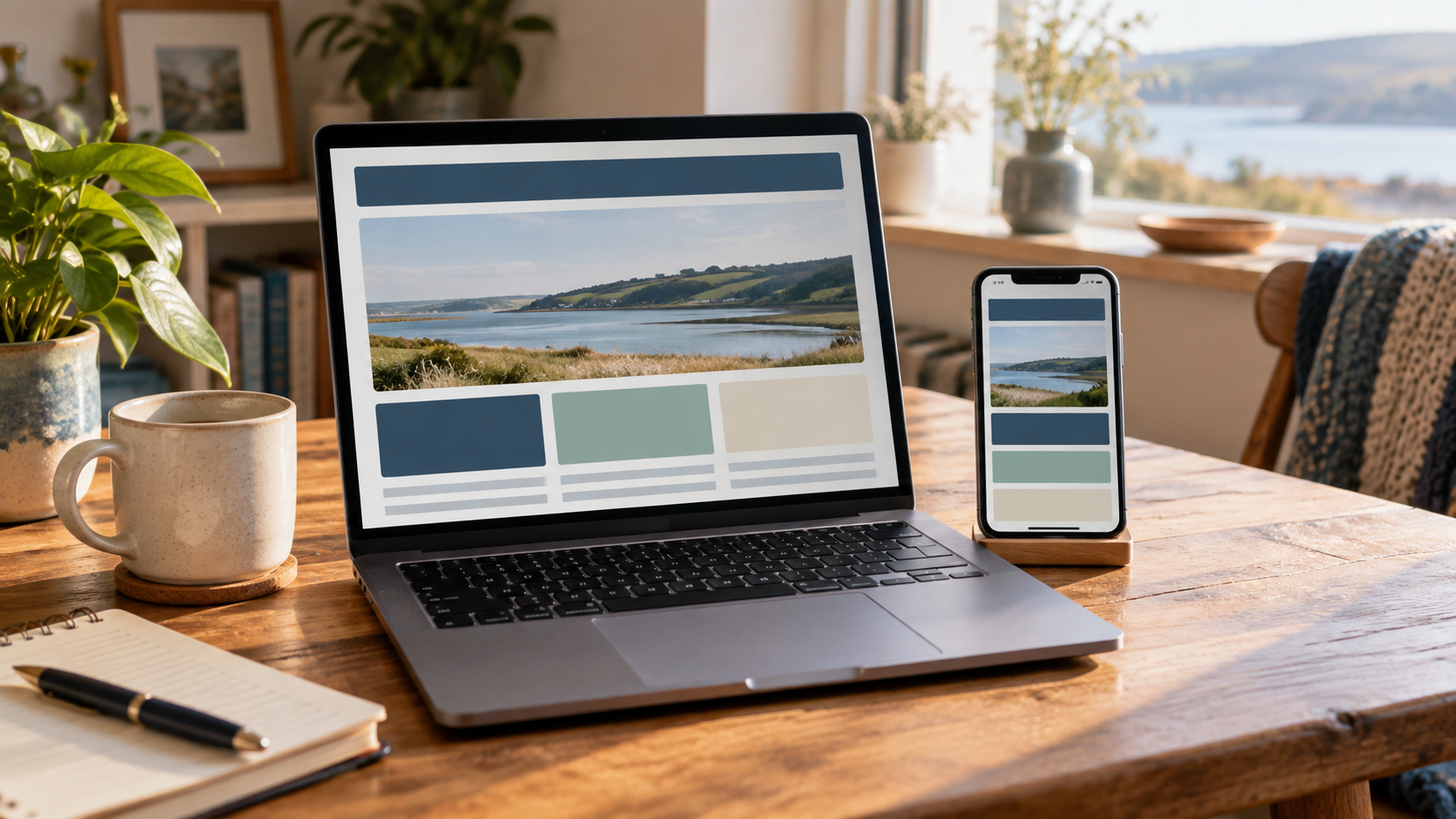
Your website might look lovely on your laptop. The more useful question is whether someone who has never heard of your business can understand it and get in touch.
You don’t need a full redesign to investigate. Give yourself half an hour, open the site on your phone and approach it as a prospective customer. Better still, ask someone unfamiliar with the business to try it while you watch quietly. The “quietly” bit is surprisingly difficult.
Here are six things worth checking.
Can a visitor tell what you actually do?
Look at the first screen. Does it explain your service, who it is for and, where relevant, the area you cover?
A phrase such as “Bringing your vision to life” could describe almost anything. “Website design for independent businesses” gives someone useful information immediately.
For a local business, a natural mention of your area helps people establish whether you can serve them. You don’t need to squeeze Southend into every sentence to make the point.
Is the next step obvious?
Decide what the main action should be on each page. A visitor might need to enquire, view a menu, explore a service or make a purchase.
Use wording that describes that action. “Ask about a website” is clearer than a vague “Discover more”. Keep other useful routes available, but give the page a clear priority.
Check what happens after the click, too. A promising button followed by a confusing form is only half a working journey.
Does the mobile version make sense?
Try the menu, read the headings and complete a typical task on your phone. Look for text that feels cramped, buttons that are awkward to tap and important information buried under decorative sections.
Check whether you can enlarge the text and still use the page. If something only appears when you hover with a mouse, consider how someone on a touchscreen will find it.
A layout that technically fits on a small screen may still be hard to use.
Are you answering the questions people actually ask?
Think about the conversations you have before someone becomes a customer. What do they need to know about your service, availability, process or location?
Put useful answers near the relevant offer. If you quote individually, explain what information helps you prepare a quote. If visits are by appointment, make that clear before someone turns up.
You can learn a lot from repeated enquiries. A question you answer every week may deserve a visible place on the website.
Is there a reason to trust you?
Use real examples of your work, accurate descriptions of your experience and testimonials you have permission to publish.
Explain your role in a project rather than relying on a row of logos. If a project is still in development, label it clearly. Visitors should be able to distinguish completed work from a concept or preview.
Check that contact details and photographs still represent the business as it is today.
Can everyone find their way around?
Use descriptive headings and meaningful link text. Break long passages into readable sections and avoid placing essential information only inside an image.
Try moving through the page with the Tab key. Can you see which link or control has focus? Can you reach the menu and form? This is a useful initial check, although it is not a complete accessibility assessment.
The W3C’s accessible writing guidance explains headings, links and other content choices in more detail.
Fix the clearest obstacle first
Write down the three most obvious problems, then choose one to tackle. A clearer headline or a working enquiry route may be a useful first improvement before a larger redesign.
Estuary Connect offers website design for businesses and organisations in Southend, Westcliff and the surrounding area. Get in touch about your website if you’d like a practical outside perspective.